Transform your YouTube thumbnails with AI face swap. A/B test reactions, gaming moments, and tutorials to maximize click-through rates.
Your uploads auto-delete in 24h. We never store your content.
Upload a thumbnail image or scene
Drag & Drop
or click to browse
Front-facing photo with good lighting
Drag & Drop
or click to browse
No result yet
Upload images and click 'Swap Face'
No design skills needed. Upload, swap, and download thumbnails that get clicks.
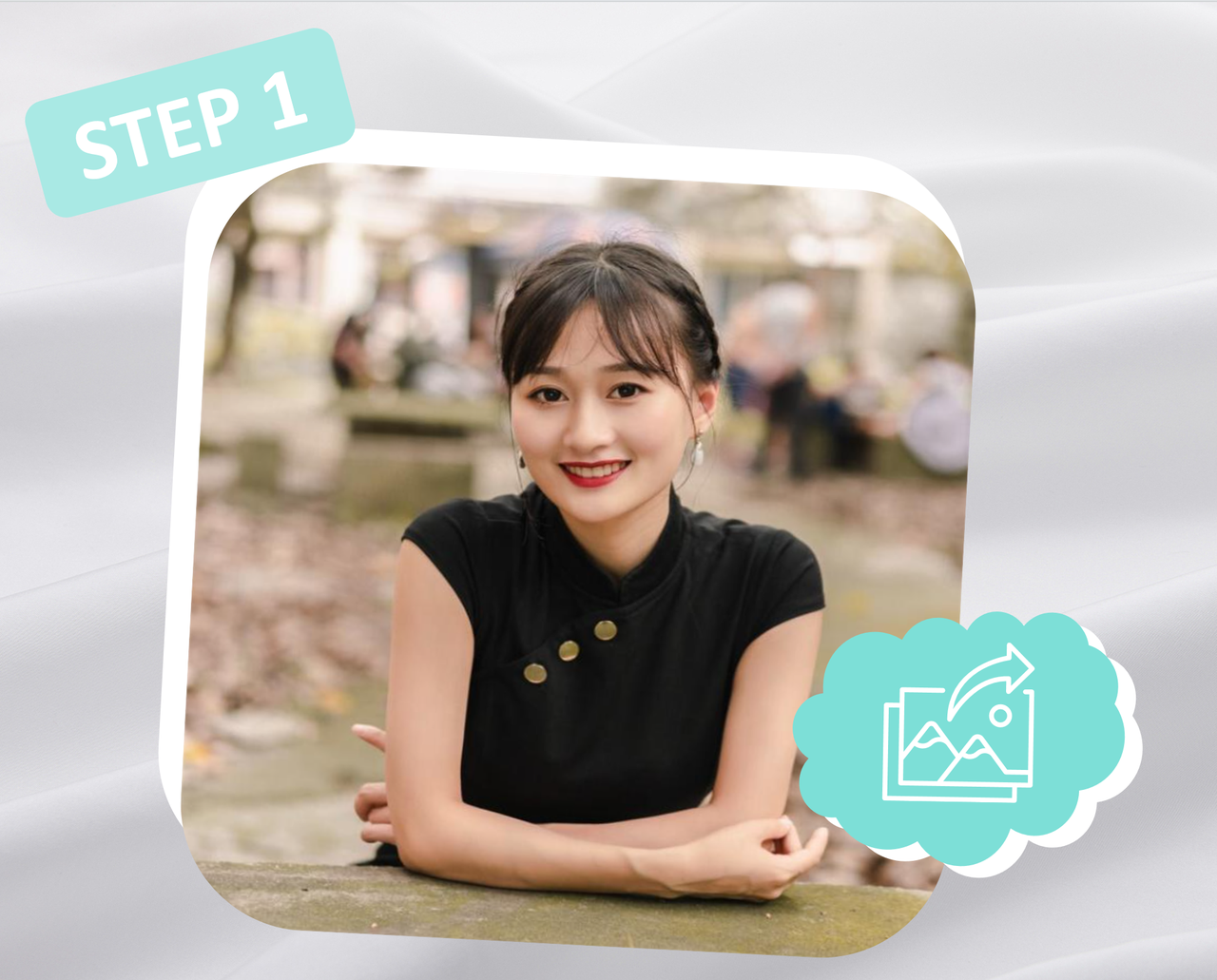
Upload any image for your YouTube thumbnail — a gaming screenshot, reaction scene, tutorial frame, or trending meme. Our AI detects the face area automatically.
.PNG)
Upload a clear selfie or headshot. Front-facing with even lighting gives the most convincing YouTube thumbnail face swap results.
.PNG)
Click 'Create Thumbnail' and watch the AI magic. Download your HD thumbnail and upload it directly to YouTube Studio.
Endless possibilities for content creators, gamers, and YouTubers who want to stand out.
Put your shocked, excited, or laughing face on viral reaction thumbnails. Our <a href='/photo-face-swap' class='text-primary underline'>photo face swap</a> ensures perfect skin tone and lighting match for believable reactions.
Place yourself inside <a href='/scenarios/face-swap-gaming' class='text-primary underline'>gaming scenes</a> — victories, boss fights, or funny moments. Gaming thumbnails with face swaps get significantly higher CTR than static screenshots.
Show yourself demonstrating the skill or result. Tutorial thumbnails with the creator's face front and center build trust and drive more clicks than text-only designs.
Create multiple thumbnail variants with different expressions, poses, or backgrounds. Test which face swap thumbnail drives the highest click-through rate on your channel.
Swap your face onto iconic <a href='/scenarios/face-swap-celebrity' class='text-primary underline'>celebrity moments</a> for parody, review, or commentary videos. Leverage familiarity to grab attention in the feed.
Professional AI technology built for creators who need thumbnails that convert views into clicks.
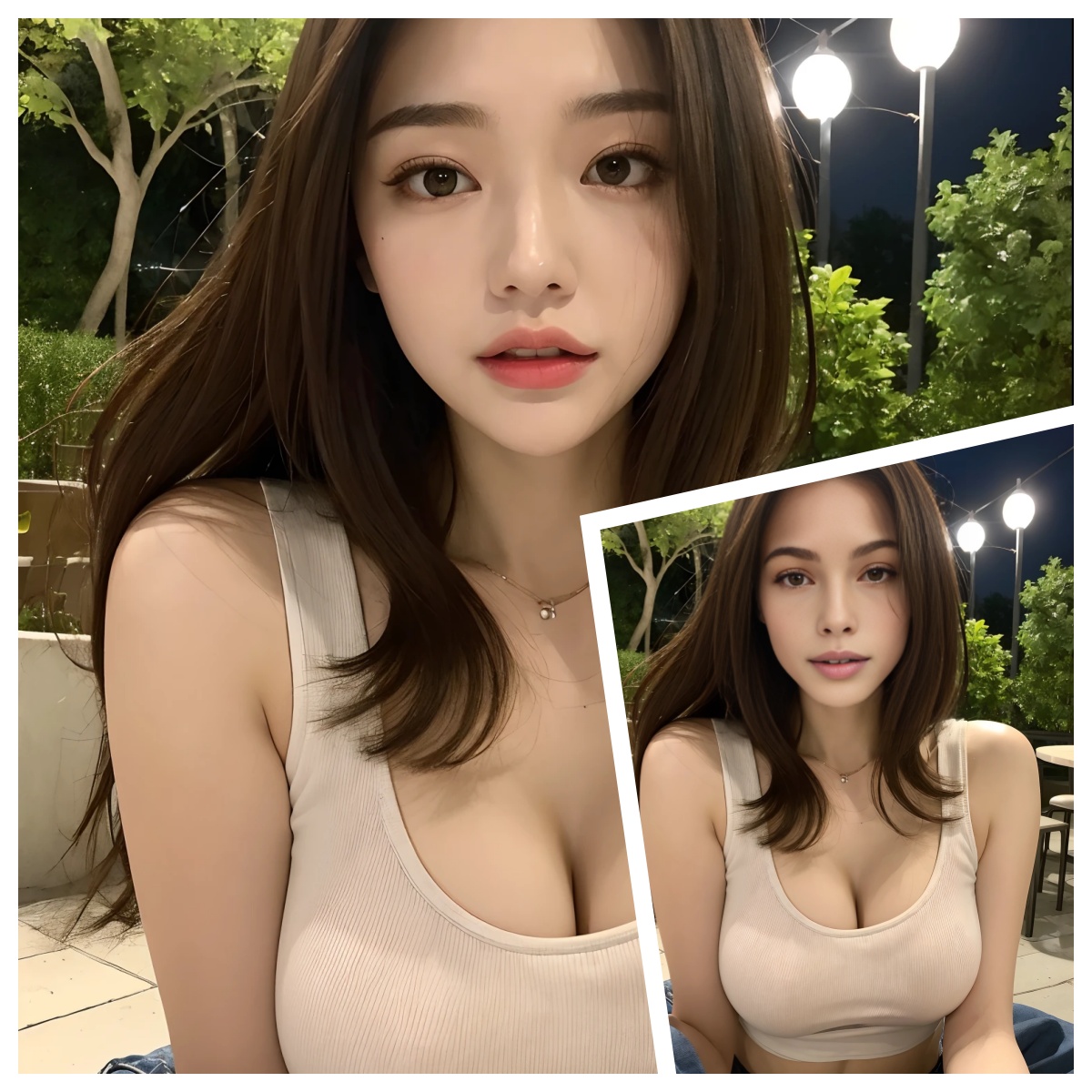
Outputs perfectly at 1280x720 — YouTube's recommended thumbnail size. No cropping, no stretching. Your face swap thumbnail looks crisp on every device from mobile to 4K TVs.
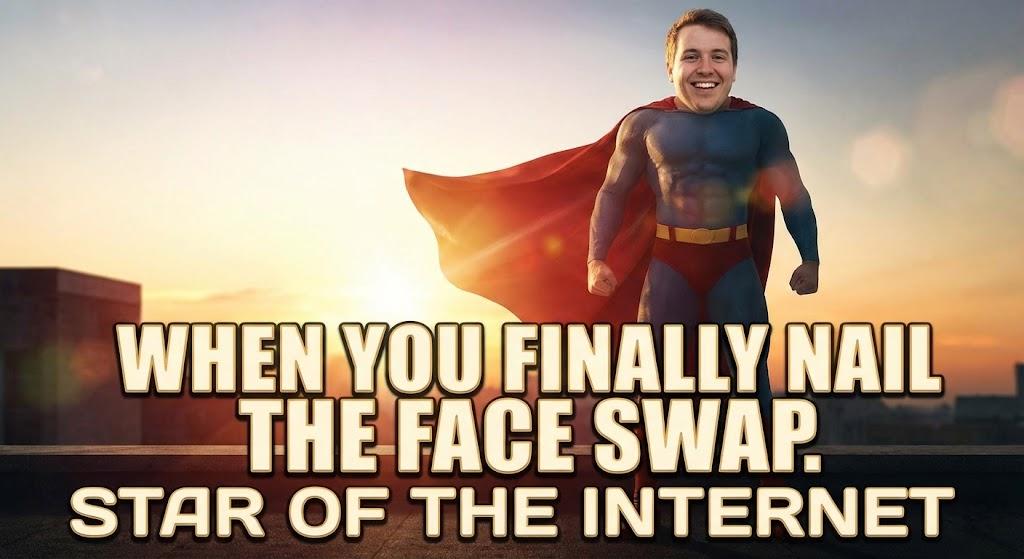
Our AI doesn't just paste your face — it adapts expression, skin tone, shadows, and highlights to match the thumbnail scene. The result looks like a real photo, not a cheap edit.
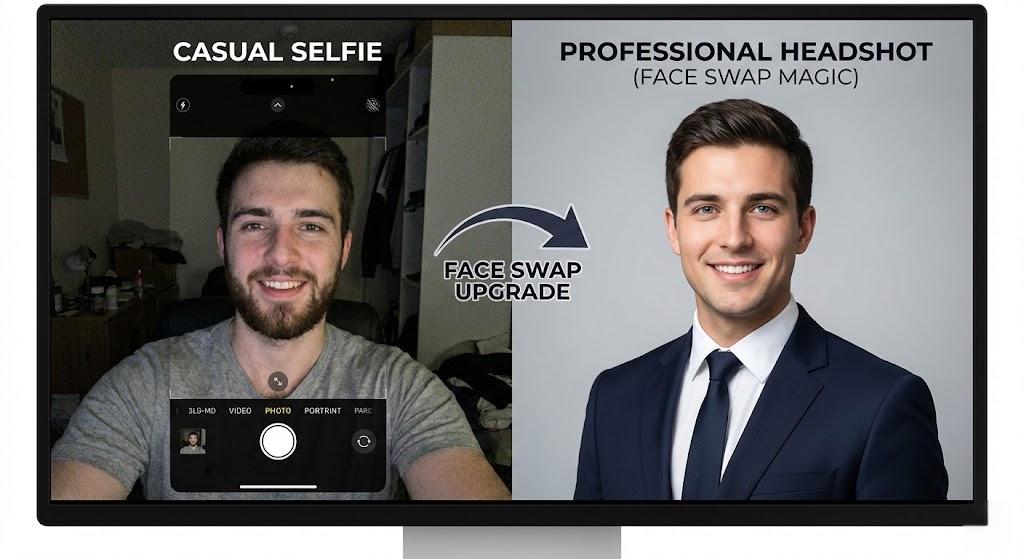
Generate multiple YouTube thumbnail face swap variants in under 10 seconds each. When a video is trending, speed matters — create and test thumbnails faster than your competition.
Take your YouTube thumbnail face swap photos to the next level with these companion tools.
Join thousands of creators using AI face swap to boost their YouTube CTR.
My CTR jumped from 4% to 8.5% after switching to face swap thumbnails. The gaming scene integration looks incredibly real — viewers can't tell it's AI.
Jake Morrison
I create 3-4 thumbnail variants for every video now. The A/B testing feature alone is worth it. My average views per video doubled in two months.
Lisa Chen
Putting my face on the result thumbnails built instant trust with new viewers. The lighting match is flawless — it looks like I was actually there.
Marcus Johnson
Meme thumbnails with my face swapped in get insane CTR. One video hit 2M views thanks to a perfectly timed celebrity parody thumbnail.
Sophie Wright
Everything you need to know about creating AI face swap thumbnails for YouTube.
Still have questions?
Contact our support team
YouTube recommends 1280x720 pixels (16:9 ratio). Our YouTube thumbnail face swap tool outputs exactly this resolution, so your thumbnails look perfect on all devices without any manual resizing.

Create your first YouTube thumbnail face swap in seconds — no signup required. Join thousands of creators who are getting more clicks with AI-powered thumbnails.