The Ultimate AI Workflow: From "One Sentence" to "Your Face" (No Stock Photos Needed) | faceswap-ai.io
The Ultimate AI Workflow: From "One Sentence" to "Your Face" (No Stock Photos Needed)
DL
Dylan Lee
Content Team
AI technology experts specializing in face swap research and digital content creation.
AI TechnologyFace Swap
Published
Dec 3, 2025
Fact-checked contentPublishedExpert reviewed
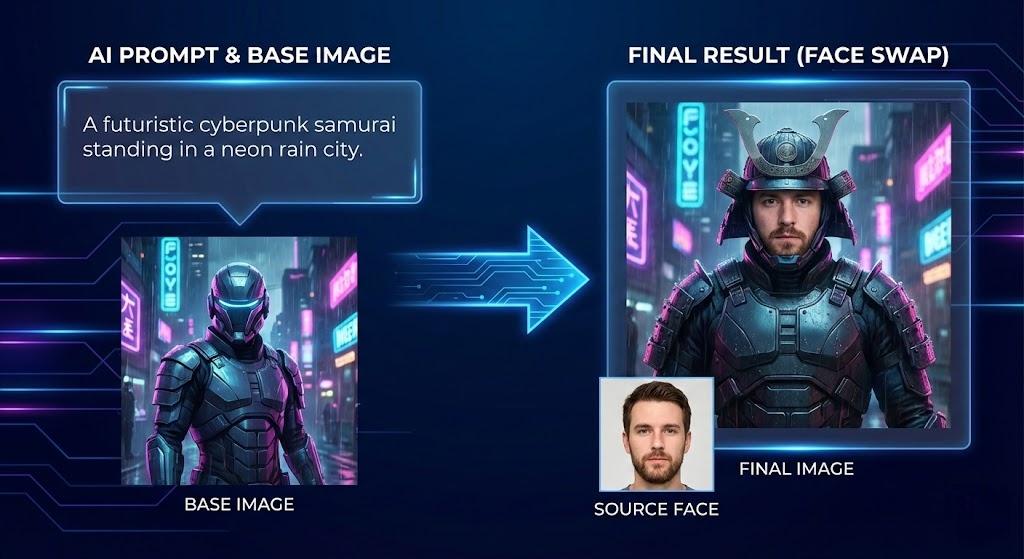
There is a common problem here: you want to portray yourself as a cool cyberpunk fighter image, or just a professional looking head portrait of the CEO of LinkedIn.
But you hit a wall. You can't find the right "basic image"
Stock photos are expensive and universal. Google images have copyright issues and low resolution. You spent several hours scrolling, trying to find a photo of "cyberpunk fighter" that matches your body shape and light, but you came back empty handed.
Stop the search. Start the build.
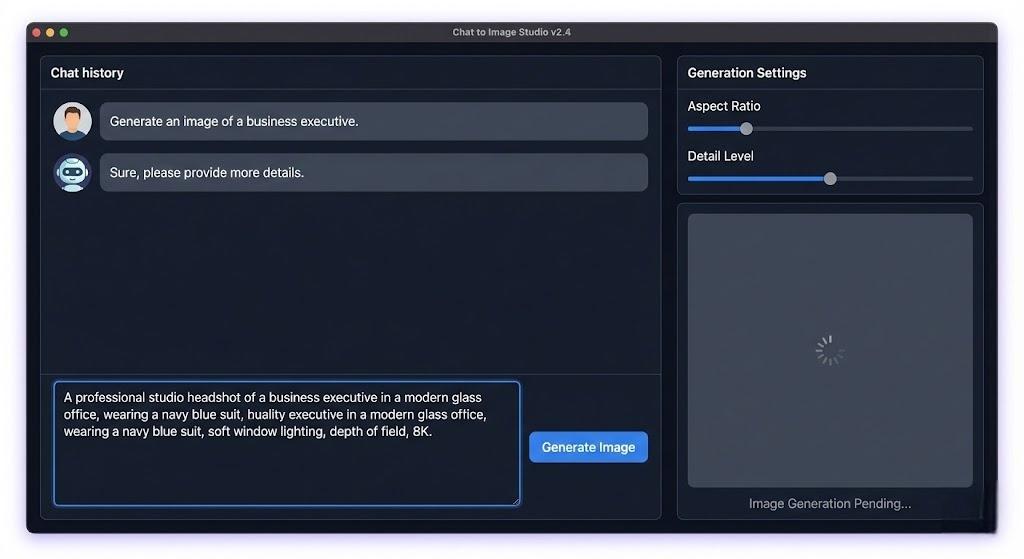
This is the power of the faceswap-ai.io ecosystem. Because we have built-in text to image generator (Nano Banana Pro) and Face Swap on the same platform, you don't need to look for photos anymore. You can turn them into reality in one sentence.
In this guide, we will teach you the workflow of "text exchange". It's the secret weapon of the top digital creators, and it's less than 2 minutes to master.
Most people use facial exchange tools, such as "stickers", to paste their faces onto existing expression packs. But when you combine generative AI with face changing, you become a director.
comprehensive control: do you want the light to be blue? Is Mars in the background? Just input. You can control the environment.
copyright free: you didn't steal other people's artwork or photos. You're generating a unique image that other people don't have.
unlimited change: you can generate 100 kinds of changes of "CEO Avatar" in a few seconds, until you find the perfect posture.
The Step-by-Step "Text-to-Swap" Workflow
Here is the exact process to turn your imagination into a photorealistic self-portrait.
The Secret: You need to describe the scene and the body, but you don't need to worry about the face looking like you (yet).
Pro Tip for Prompts: Always include words like "photorealistic," "8K," "cinematic lighting," and "highly detailed" to get the best results for face swapping.
Step 2: The Setup (Choosing the Right Base)
The generator will likely give you 2-4 options. Which one should you pick?
Look for: Good lighting on the face.
Look for: A face angle that matches your selfies. (If you only have front-facing selfies, pick a front-facing generated image).
Avoid: Images where the face is covered by hands, hair, or shadows.
Once you have the perfect generated image, download it.
Upload Base Image: Upload the AI-generated image you just created.
Upload Source Face: Upload a clear photo of your own face.
Generate.
Because the Base Image was AI-generated to be "perfect" (perfect lighting, perfect focus), the Face Swap usually blends seamlessly.
3 "Recipes" You Can Try Right Now
Don't know what to generate? Copy and paste these exact prompts to get started.
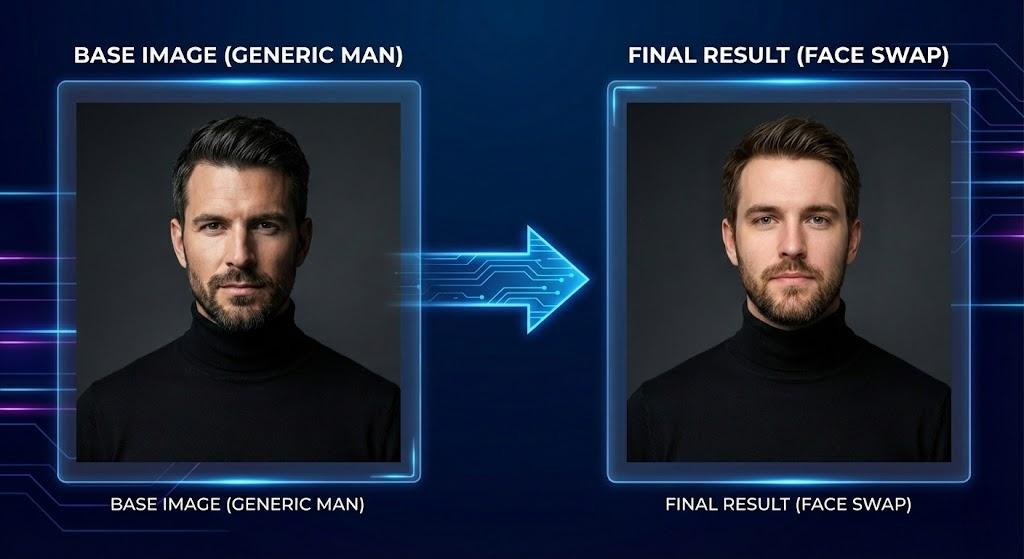
Recipe 1: The "Instant Professional Headshot" (Save $500)
Need a LinkedIn photo but hate posing?
The Prompt: "A professional corporate headshot of a confident entrepreneur wearing a black turtleneck, standing against a dark grey studio background. Rembrandt lighting, sharp focus, 8K, photorealistic."
Why it works: The "black turtleneck" and "studio background" are classic, clean looks that make the face swap look incredibly legitimate.
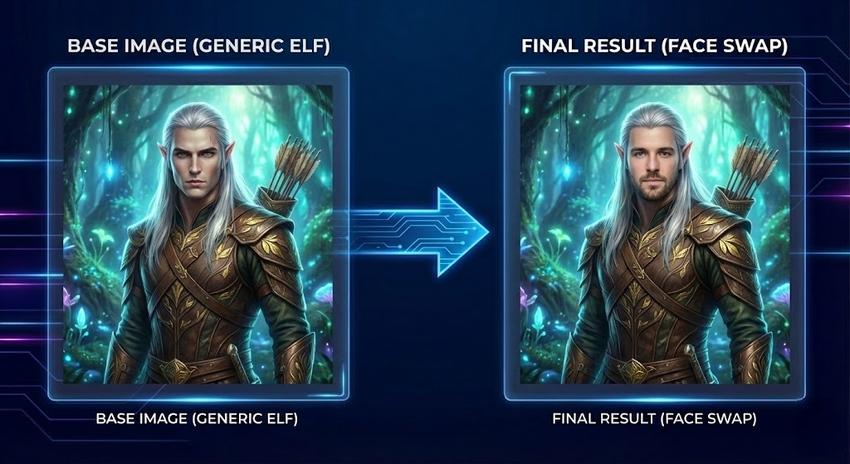
Recipe 2: The "Fantasy RPG Character" (For Gamers)
Put yourself inside Baldur's Gate or Lord of the Rings.
The Prompt: "A hyper-realistic portrait of a High Elf archer with silver hair in an enchanted forest. Wearing intricate leather armor with gold leaf details. Ethereal glowing lighting, magical atmosphere, cinematic shot."
Why it works: AI excels at fantasy textures (armor, magic), making the final image look like high-budget concept art.
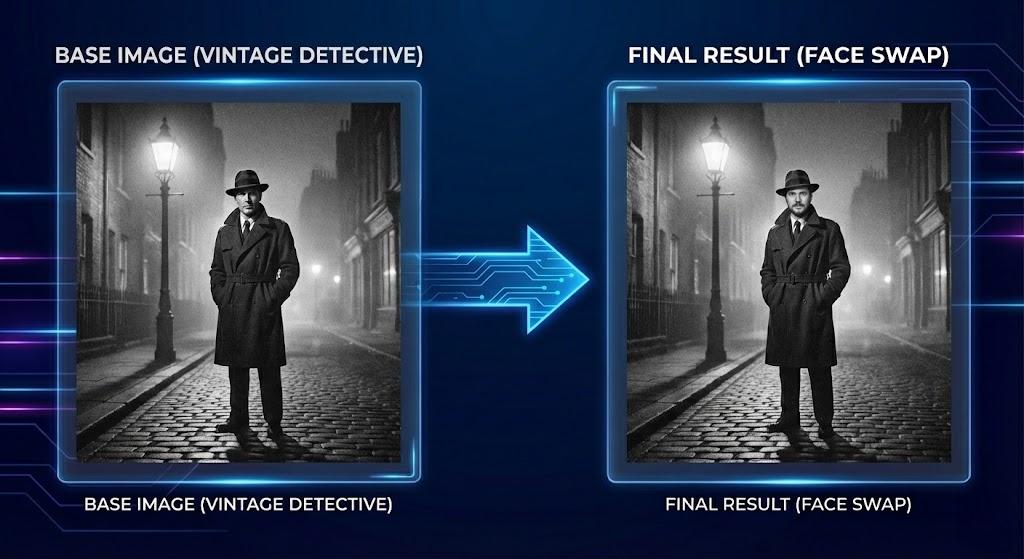
Recipe 3: The "Vintage Time Traveler" (For Style)
See how you would look in the 1920s or 1950s.
The Prompt: "A vintage black and white photograph from the 1920s. A detective in a trench coat and fedora standing under a streetlamp in a foggy London street. Film grain, noir style, dramatic shadows."
Why it works: Black and white images are notoriously easy to face swap because the AI doesn't have to match skin color, only skin tone (light/dark). The results are usually flawless.
Advanced Tip: Achieving "Hyper-Realism"
If you want your results to look 100% real, use this prompt structure in our Chat to Image tool:
[Subject] + [Environment] + [Lighting] + [Camera/Lens]
Bad Prompt: "A man in a suit."
Pro Prompt: "A man in a suit" (Subject) + "in a busy New York street" (Environment) + "during golden hour sunlight" (Lighting) + "shot on 35mm film, bokeh background" (Camera).
The more specific you are about the Lighting and Camera, the better the Face Swap AI can "read" the scene and blend your face correctly.
Final Thoughts: You Are the Artist
The days of searching page after page of stock photos are over. With the combination of Nano Banana Pro and Photo Face Swap, the only limit is your vocabulary.
You can be an astronaut, a king, a CEO, or a cartoon character—all in the span of 5 minutes.
Ready to write your own reality?
Expert Review: This article was written by Dylan Lee, our editorial team.
Methodology: All product comparisons and reviews are based on hands-on testing and independent research. We may earn affiliate commissions (at no extra cost to you) from some links.