Content Team
AI technology experts specializing in face swap research and digital content creation.
In the fast-paced digital content creation world, using high-quality video background remover is no longer just a convenience; It's absolutely necessary for creators who want to maintain a leading position. The days when you need expensive studio lighting, cumbersome chroma key settings and hours of manual rotation to isolate the subject are gone. Today, AI democratizes high-end video production. With just a few clicks, anyone can turn a messy bedroom into a professional newsroom or sci-fi landscape. However, removing the background is only the first step in the post production process. In order to really attract the audience, the visual fidelity of your lens must be original. This is where the synergy between advanced tools such as background removal and video scaler becomes crucial. In this comprehensive guide, we will explore how to combine these AI driven technologies, completely change your workflow, enhance your visual narrative, and introduce to you the powerful tool suite provided by faceswap-ai.io. Whether you want to change your face, clean up old scenes, or create viral social media clips, mastering these tools is the gateway to your professional achievements.
For decades, "green screen" has been the industry standard for synthesis. It needs accurate lighting, sufficient distance between the main body and the background to avoid overflow, and expensive software to highlight the color. However, the modern video background remover has fundamentally changed this dynamic by using semantic segmentation and deep learning algorithm. Unlike chroma keying, which relies on color difference, AI tools analyze the geometry and context of video frames to distinguish human (or object) from the surrounding environment. This means that you can now shoot dynamic shots in busy cafes, dark parks or messy offices, while still achieving clean Alfa channel cutting.
This has a huge impact on content creators. The marketing team can now generate consistent brand information without renting a studio. Streaming media can use the video background remover to overlay itself into the game, without needing the physical screen to block their room. But utilities are more than simple removal. Once the background disappears, the possibility of creation will grow exponentially. You can replace the environment with dynamic graphics, brand elements or a brand new virtual world. In addition, this technology is seamlessly integrated with other AI modifications. For example, if you plan to use the face swap tool to change the identity of a character, having a clean and isolated subject will make the mixing process more smooth. AI can completely focus on facial mapping, and will not be confused by complex background noise. As we move forward, the accuracy of these tools continues to improve, and difficult elements such as flying hair or transparent glasses are processed with higher and higher accuracy, making the video background remover the cornerstone of modern agile video editing workflow.
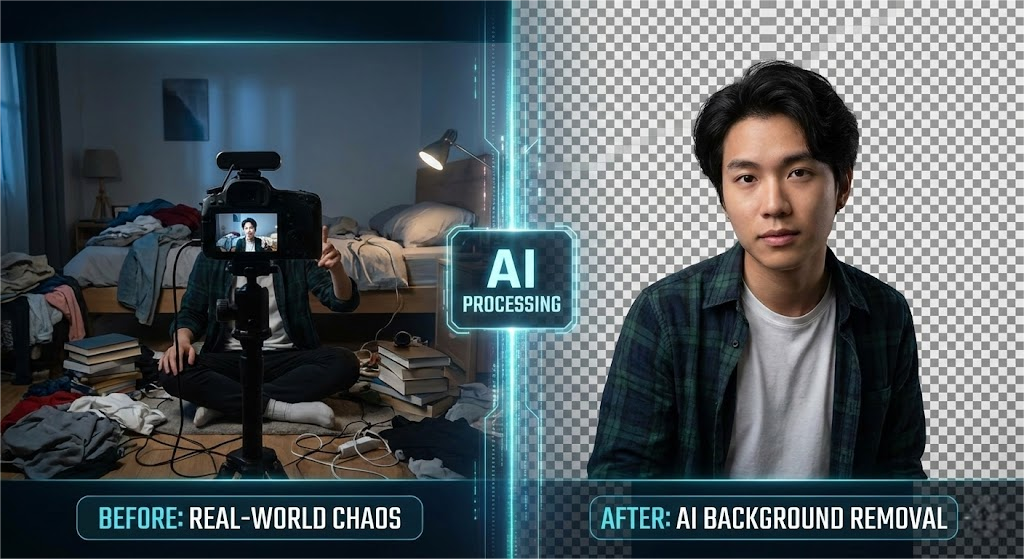
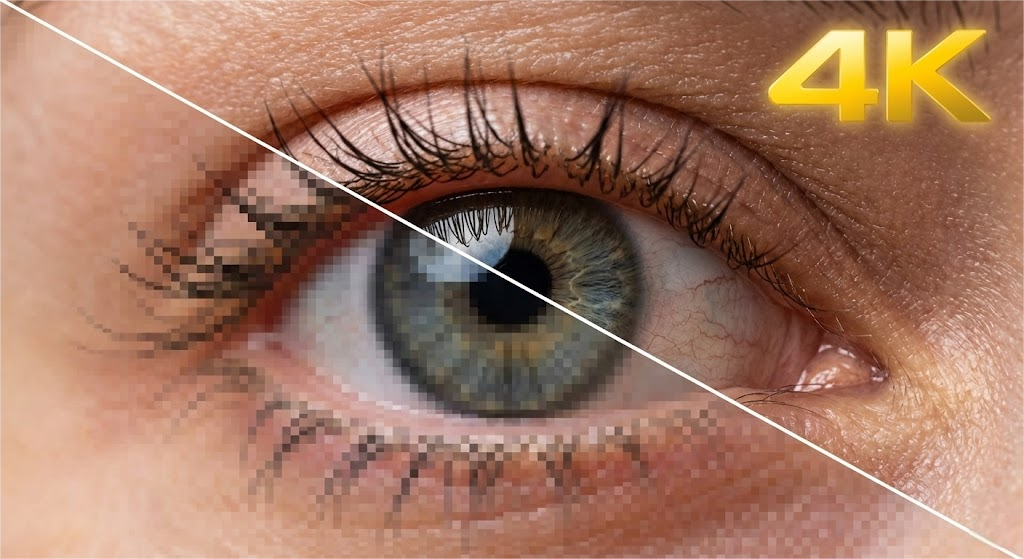
Once you successfully use the video background remover to isolate your theme, you may encounter a common obstacle: resolution mismatch. Usually, the source lens - especially the lens taken on a mobile device or an old camera - may not match the sharpness of the new high-definition background you plan to use. This difference may destroy the synthetic hallucination. This is where the video upgrader becomes an indispensable asset in the toolkit. The video scaler will not simply stretch the image, which will cause blur and artifact; On the contrary, it uses GAN to predict and insert new pixels, effectively improving the resolution and adding realistic details and textures.
Imagine shooting a 720p video clip and converting it to a clear 4K sequence. AI analyzes the existing data and according to the missing details of millions of training images "hallucinations". This is especially useful when repurposing content across different platforms. Clips that look good on a smartphone may look rough on a desktop monitor or TV screen. By applying the video enhencer, you can ensure that the quality of the foreground theme and high-resolution background resources match. In addition, these tools usually have additional functions such as noise reduction and sharpening. For creators dealing with file segments or low light records, image intensifiers or video enhancement tools can save unavailable segments and transform them into professional assets. When you combine the clean background removal and high fidelity amplification, you can create a synthesis that looks like shooting with a movie camera, effectively bridging the gap between amateur and professional production values. This step is crucial for maintaining the audience retention rate, because modern audiences have low tolerance for low-quality visual effects.
When you start to stack different technologies, the real power of AI video editing is unlocked. Video background remover and video amplifier provide the technical basis, but tools such as video face swap allow unlimited creative expression. Consider a scenario where you are creating a localized marketing campaign. Instead of hiring different actors for each area, you can shoot an actor, delete the background to exchange local landmarks, and then use facial exchange technology to adjust the appearance of the actor to better resonate with different people. This ability is usually called video character replacement, which can achieve unprecedented scalability in video production.
In addition, the ecosystem of AI tools is huge. If your source lens has unnecessary marks or interferences, the watermark remover can clean up the image before you start the upgrade process. If the audio effect is not good, you can use the voice clone tool to re voice the dialogue into multiple languages, and ensure that the lip shape synchronization technology is used to align the lips. The combination of these tools creates a virtual production studio in the browser. For example, you can take a low-quality clip of an ordinary speaker, sharpen it with a video intensifier, remove the background, place them in the future newsroom, and then use the photo face swap technology applied to video frames to turn them into a specific role or mascot. This layered method enables creators to invest the least resources to produce high-value content. It's not just about fixing mistakes; It's about rewriting reality. By using a full set of tools on platforms such as faceswap-ai.io, creators can implement complex visual effects that previously required Hollywood budgets and visual effects artist teams.

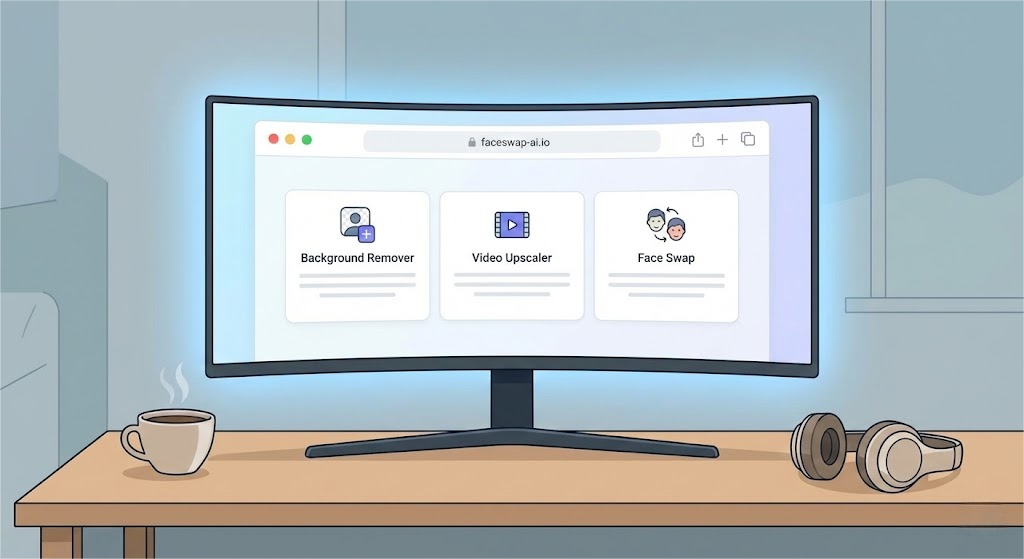
The implementation of these advanced technologies requires a simplified workflow to avoid technical complexity. The key is to choose an ecosystem that provides multiple functions. When selecting the video background remover, please pay attention to the speed and edge accuracy. When selecting a video scaler, natural texture preservation is preferred to artificial sharpening. However, the most effective workflow usually involves using an integrated platform or a centralized tool center. This is what faceswap-ai.io is good at. It provides a portal to various AI driven solutions, which can meet every step of the post production process.
First, review your video. Does it need to be cleaned? First, watermark remover or video intensifier is used. Next, isolate your subject with the background remover. Once isolated, you can flexibly apply creative changes, such as GIF for social media expression packs, or full-size video for narrative content. Finally, the finished composite materials are upgraded to ensure that they meet the highest delivery standards. It is also worth noting that with the development of these tools, nano banana pro (a metaphorical tribute to niche and high-performance experimental tools) or specific algorithms for facial expression changes are becoming more and more easy to use. By constantly updating platforms such as faceswap-ai.io, you can ensure that your toolkit is always equipped with the latest innovations. Whether you are an independent YouTube user or a professional video editor, combining the video background remover with the upgrade and exchange technology will greatly reduce your editing time and improve the perceived production value of your content. Embrace the AI revolution, and let your creativity flow without technical restrictions.
Expert Review: This article was written by Alex Carter, our editorial team.
Methodology: All product comparisons and reviews are based on hands-on testing and independent research. We may earn affiliate commissions (at no extra cost to you) from some links.
Last Updated: December 19, 2025