Content Team
AI technology experts specializing in face swap research and digital content creation.
Professional video upscaler is the secret weapon of content creators, who want to bridge the gap between retro lenses and modern 4K display standards. In an era where high-definition screens are everywhere - from smartphones to large-scale smart TVs - providing content with a resolution of less than 1,080p or 4K will seriously damage user participation and brand awareness. The demand for clear and detailed visual effects has never been so high, but many files, classic movies and user generated content are still trapped in low resolution such as 480p or 720p. This is where AI gets involved. By providing automation solutions far beyond traditional interpolation methods, it has completely changed the field of post production. By understanding the complex mechanism of AI driven restoration, creators can inject new vitality into their visual assets. In this comprehensive guide, we will explore the technology behind video upgrading, how it integrates with other tools such as video background remover, and why platforms like faceswap-ai.io are becoming the central hub of these advanced media operation tools.
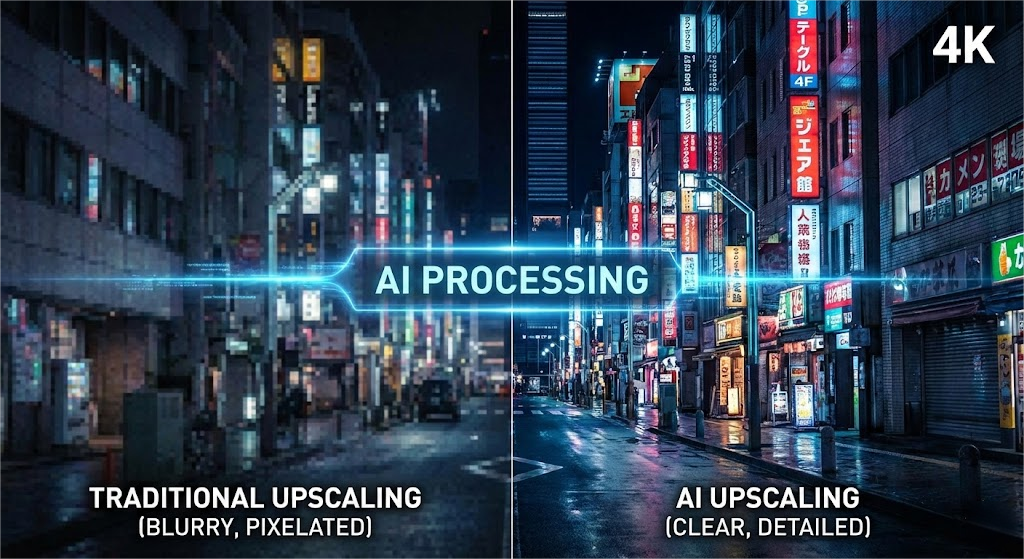
Traditional methods to improve video resolution, such as double three interpolation, usually lead to image blur, pixelation or "soft", because they simply multiply by the existing pixels, and do not understand the context of the image. However, the working principle of modern AI video upgrades is totally different. It uses deep learning and GAN to predict and generate new details that are not in the original shot. When you use the video intensifier driven by these neural networks, the software will analyze millions of reference images to understand what the texture such as skin, fabric or leaves should look like in high definition. This allows the tool to intelligently fill gaps, while sharpening edges and reducing noise.
For content creators, it means that lenses shot on old cameras or smartphones can be reused for professional YouTube channels or commercials, without appearing outdated. The practicability of video upscaler is not limited to simple size adjustment; It's about recovery and fidelity. For example, if you are dealing with grainy low light lenses, high-quality video enhancer can distinguish between the actual shooting object and digital noise, and effectively clean the image while improving the resolution. This feature is crucial when repurposing content across different platforms. Clips that look acceptable on mobile screens in 2015 may look terrible on desktop monitors in 2025. By using these tools, you can ensure that your visual library remains evergreen. In addition, with the rise of tools such as video character replacement, the basic quality of material has become more critical; When the source material is clear and there is no artifact, the performance of AI algorithm is significantly better. Therefore, upgrading is usually the first and most critical step in the workflow of modern AI video editing.
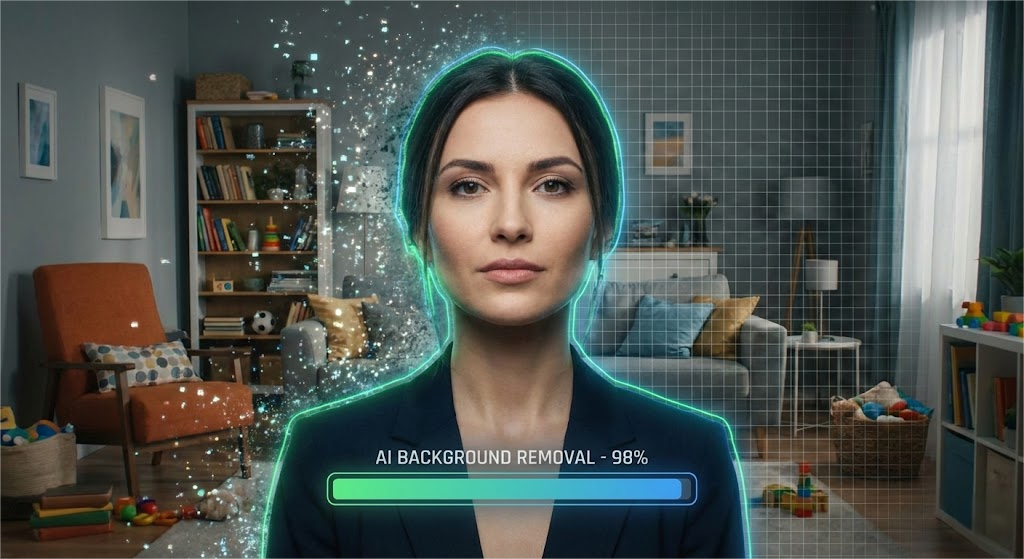
Once your lens is processed through the video upscaler, the improvement of clarity will often reveal the defects previously covered by low resolution, especially in the background. There is no room for errors in HD video; When rendering in 4K, a messy or messy background can become a distraction. This is where the synergy between amplification and video background remover becomes crucial. In the past, removing the video background required tedious rotation or the use of a physical green screen in the shooting process. Today, AI driven tools can immediately detect the theme of a video - whether it's a person, a car or a product - and isolate it from the environment with pixel level accuracy.
Imagine that you are a marketer, trying to re-use the product review video shot in the messy living room. First, you run clips through the video scaler to ensure that the product looks clear and professional. Next, you can use the video background remover to remove distracting environments. Because the video has been amplified, the working efficiency of the edge detection algorithm is much higher, ensuring that the hair and details will not be accidentally cut in the background removal process. Once the background is removed, you can freely place your theme anywhere - a fashionable digital studio, a solid color brand or a dynamic sports graphic. This workflow is particularly popular among social media influencers, who need to maintain a consistent visual aesthetic in different shooting locations. In addition, for those who try to swap GIF faces or create meme content, having a clean, high-resolution theme separated from the background is essential for realistic synthesis. The combination of amplification and background removal transforms amateur lens into playable assets, saving hours of manual editing time and significantly reducing production costs.
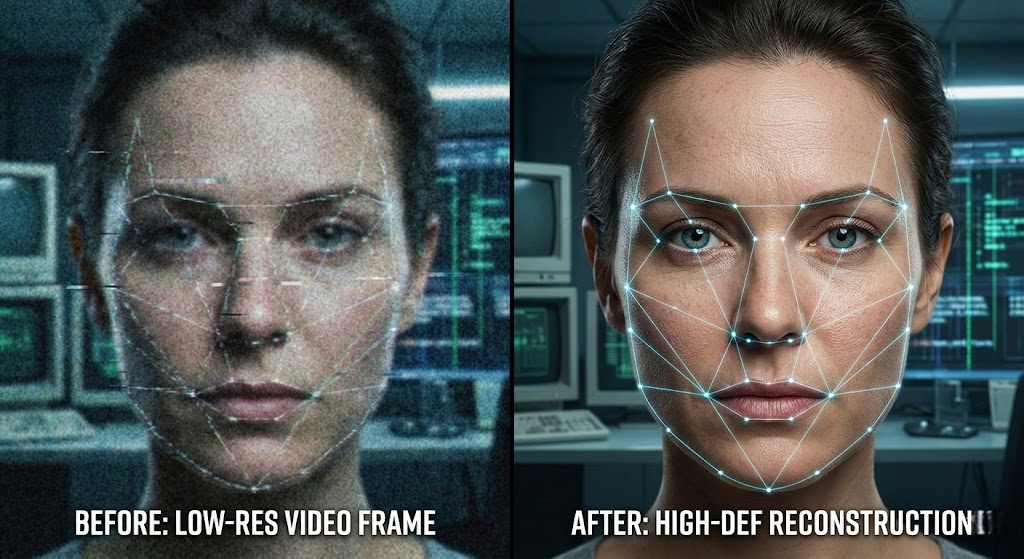
One of the most challenging aspects of video recovery is to maintain the integrity of the face. When the low resolution video is magnified, the facial features usually become distorted or "waxy". An excellent video upscaler combines a specific face recognition algorithm, similar to the algorithm in the face swap or photo face swap tool, which can truly reconstruct the texture of eyes, teeth and skin. This is especially important for documentary producers and archivists who deal with historical segments. The goal is to make the theme look natural, not artificial. This technology shares DNA with the image intensifier tool used by photographers. In fact, many video editors extract key frames from their video projects, process them with image intensifiers to make propaganda thumbnails, and then integrate visual logic into the video workflow.
The intersection of these technologies has opened up a fascinating creative way. For example, if you are creating a tutorial, and the expression of the speaker in a specific clip is not correct, the advanced suite now provides the facial expression change function. However, these tools need high fidelity input to work convincingly. If you try to change the expression on a fuzzy and pixelated face, it looks like a small fault. By using the video scaler to process the lens first, you can provide the necessary data points for the expression changer to change the face naturally. Similarly, if you are processing the watermarked material of the internal model, the effect of the watermark remover on the high-resolution file is significantly better, because the difference between the watermark overlay and the underlying video data is clearer. We also see this in the audio field; Just like we clean up videos visually, tools such as voice cloning and lip sync are also used to dub videos into other languages. These audio-visual synchronization largely depends on the visual clarity of mouth movements, which is what the powerful upgrader can maintain.
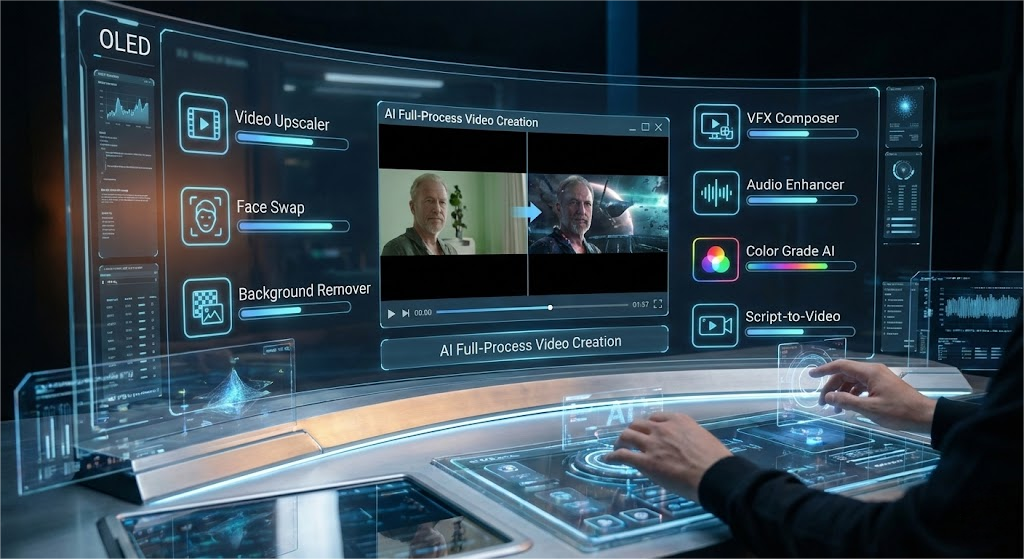
When we look to the future of digital content creation, the independent video upscaler is evolving into a part of a larger and interconnected AI tool generation ecosystem. Creators are no longer just editing videos; They are manipulating reality. Advanced platforms are emerging, and these platforms will be upgraded with various functions, from video character replacement to specific art filters such as nano banana professional version. The convenience of having an integrated platform cannot be overemphasized. Websites like faceswap-ai.io create this method by providing a set of tools to meet all aspects of AI media pipeline. Whether you need to adjust the resolution, change the face or delete the background, centralized access can simplify the creation process.
For example, consider a complex video production that requires a complete replacement of actors. This involves video face swap, possibly voice clone of new conversations, and video upgrades to ensure that the final synthesis matches the 4K quality of the rest of the movie. If the original lens has compressed artifacts, the character replacement will slide and appear to be separated. By upgrading first, you can anchor tracking data to ensure seamless integration. In addition, as AI models become more efficient, we see the rise of real-time processing capabilities. We are moving from overnight rendering time to near instant results. The ability to use video intensifier and watermark remover or lip sync tool in a single session enables independent creators to produce Hollywood level visual effects within the budget. Finally, the video upgrader is the foundation of building a modern AI video effect cathedral; Without the basic layer of high-quality pixel data, other advanced operations are impossible.
Expert Review: This article was written by Dylan Lee, our editorial team.
Methodology: All product comparisons and reviews are based on hands-on testing and independent research. We may earn affiliate commissions (at no extra cost to you) from some links.
Last Updated: December 19, 2025